
What Is a Fridge Camera?
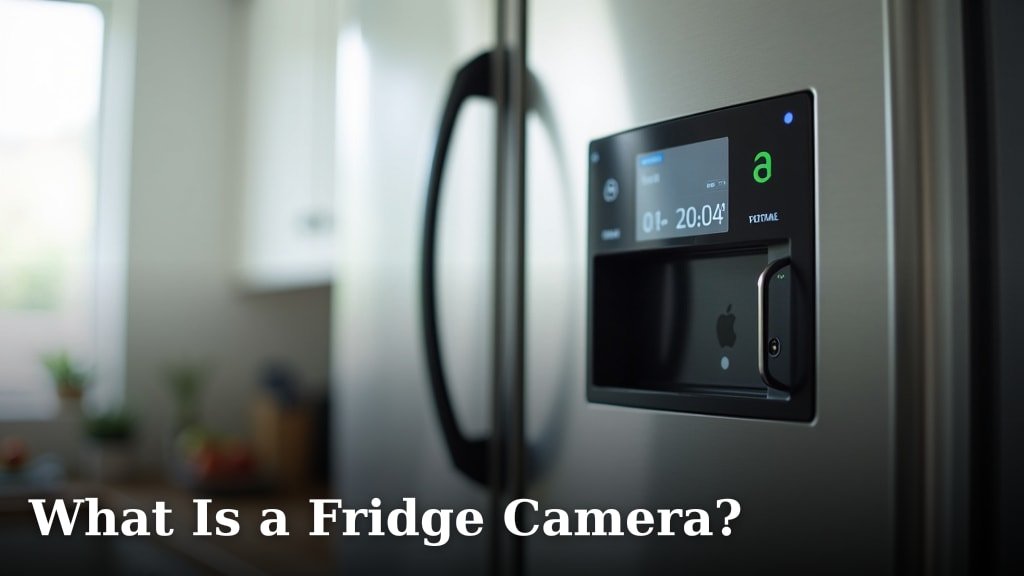
A fridge camera is a smart device that takes pictures or videos inside your refrigerator. It helps you see what food you have, even when you’re not home. These cameras often connect to your smartphone app, showing you the contents of your fridge in real-time or through stored images.
You might use a fridge camera to check your groceries while at the store. It can help you avoid buying things you already have, saving you time and money. Many people find them useful for reducing food waste and keeping track of expiration dates.
TL;DR:
- Fridge cameras show you fridge contents remotely.
- They help with grocery shopping decisions.
- These cameras can reduce food waste.
- You can view images on your smartphone.
Below, we break down everything you need to know about fridge cameras and how they work. Let’s find out if one is right for your kitchen.
Understanding What a Fridge Camera Is and How It Works
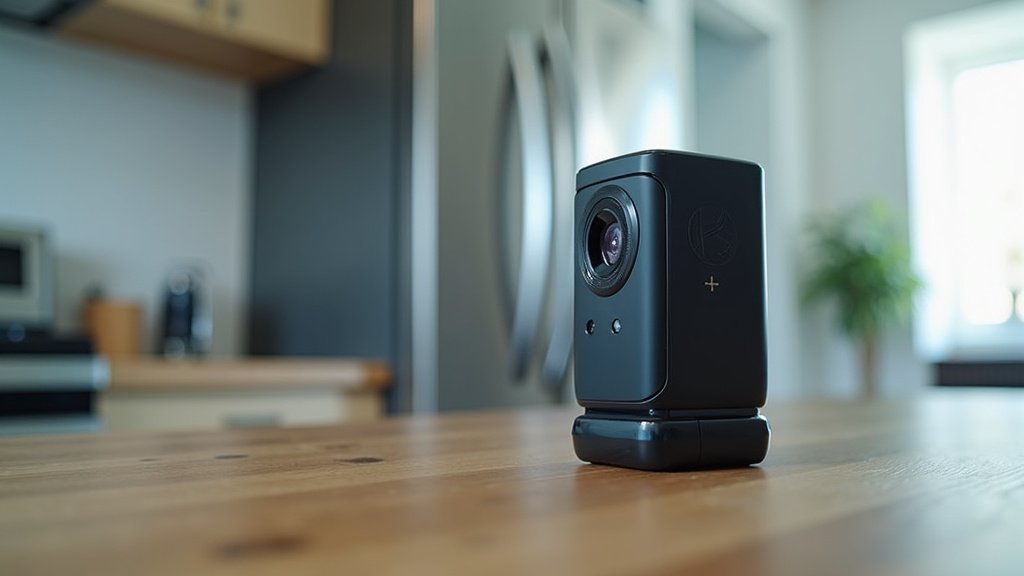
A fridge camera is a small device you place inside your refrigerator. It takes pictures or short videos of your food. Then, it sends these images to an app on your smartphone or tablet. This lets you see what’s inside your fridge without opening the door.
Most fridge cameras use a wide-angle lens to capture as much of the interior as possible. They often have built-in sensors that detect when the fridge door opens or closes. This signal tells the camera when to snap a picture. Some models even connect to your home’s Wi-Fi to send updates directly to your phone.
Types of Fridge Cameras You Can Find
When you start looking, you’ll see a few different styles of fridge cameras. Each one works a little differently, offering various features to fit your needs.
Door-Activated Cameras
These are perhaps the most common type. A door-activated camera takes a photo every time you close your fridge door. It’s designed to capture the contents right after you’ve accessed them. This ensures you get an updated view each time you interact with your fridge.
They are usually battery-powered and attach easily to an interior wall or shelf. You just stick them on, and they start working. This type is great for capturing a fresh snapshot after you put groceries away or take something out.
Motion-Activated Cameras
Some fridge cameras use motion detection. They sense movement inside the fridge and then take a picture. This can be useful if you want to see who’s opening the fridge or if you’re curious about how often items are moved around.
However, these can sometimes take unnecessary photos if something shifts slightly. They might also drain batteries faster than door-activated models, depending on how often they trigger.
Smart Fridge Built-In Cameras
Many newer smart refrigerators come with cameras already installed. These are integrated right into the appliance. They often offer more advanced features, like AI that can identify certain foods. You usually control these directly through your fridge’s display or a dedicated app from the appliance manufacturer.
These systems are usually very seamless. They often connect directly to the fridge’s internal network. This means less setup for you. The downside? You have to buy a whole new smart fridge, which is a much bigger investment than a standalone camera.
Key Features to Look for in a Fridge Camera
Not all fridge cameras are made the same. When you’re considering one, think about what features will make your life easier. Here are some things we found to be really helpful.
- Image Quality: Can you clearly see labels and expiration dates? Higher resolution is better.
- Battery Life: How often do you need to recharge or replace batteries? Longer life means less hassle.
- Connectivity: Does it connect reliably to your Wi-Fi and phone? A strong connection is essential.
- App Interface: Is the app easy to use? You want to find your photos quickly.
- Mounting Options: Does it attach securely inside your fridge? Magnet or adhesive options are common.
- Temperature Resistance: Can it handle the cold, damp environment of a fridge without issues?
The Practical Benefits of Using a Fridge Camera
Why would you want a camera inside your fridge? Well, many people find they offer some really clear advantages. It’s not just a cool gadget; it can actually help you manage your home better.
Streamlining Your Grocery Shopping
Imagine you’re at the grocery store. You’re standing in the dairy aisle, wondering, “Do I still have milk?” With a fridge camera, you don’t have to guess. Just open the app on your phone, and there’s a live view or a recent picture of your fridge contents. We found this to be a huge time-saver for many people.
This means you’re less likely to buy items you already have. This is good for your wallet and helps prevent clutter in your pantry. It’s like having your fridge with you wherever you go.
Reducing Food Waste and Saving Money
Food waste is a big problem for many households. The U.S. Department of Agriculture (USDA) estimates that about 30-40% of the food supply goes to waste. A fridge camera can help you keep better track of what you have. When you know what’s inside, you’re more likely to use it before it spoils.
By preventing duplicate purchases and encouraging you to use up older items, a fridge camera helps you save money. You’re not throwing away good food, and you’re not spending extra cash on things you don’t need. It’s a win-win.
Keeping Tabs on Expiration Dates
Some advanced fridge camera apps can even help you track expiration dates. While a basic camera just shows you the item, smarter systems might let you manually log dates or even use AI to read labels. This helps you rotate your stock and use things before they go bad. It’s like having a little assistant managing your fridge inventory.
Organizing Your Fridge More Effectively
When you regularly see what’s in your fridge, you might notice patterns. Do certain items always get pushed to the back and forgotten? A visual reminder can prompt you to organize your fridge better. You might decide to group similar items or put older items closer to the front. This can make your fridge more efficient and easier to use for everyone in your household.
Potential Downsides and Considerations
While fridge cameras offer great benefits, it’s also smart to think about the potential drawbacks. No device is perfect for everyone, and it’s good to be aware of what might not work for you.
Cost and Battery Life Concerns
A standalone fridge camera can range from about $50 to over $150. If you’re on a tight budget, this might feel like an extra expense. You also need to consider battery life. Many require regular charging, perhaps once a month or every few weeks. Forgetting to charge it means you lose the benefits until it’s powered up again.
If you’re looking at a smart fridge with a built-in camera, the cost is much higher. You’re buying a whole new appliance. So, weigh the benefits against the investment.
Privacy and Data Security
You’re putting a camera inside your home appliance. This naturally brings up questions about privacy. Who has access to these images? How is your data stored and protected? Reputable brands usually have strong privacy policies, but it’s always good to check. Make sure you understand how your images are handled and if they are encrypted.
Most cameras are designed to only take pictures when the door is closed or when motion is detected. They aren’t typically broadcasting live video all the time. Still, it’s something to be aware of, especially if multiple people use the fridge.
Image Clarity and Coverage Limitations
While most fridge cameras use wide-angle lenses, they can’t always see everything. Items can get hidden behind taller containers or stacked up. You might still have blind spots. Also, if the lighting inside your fridge isn’t great, the image quality might suffer. This means you might not always get a crystal-clear view of every single item.
Is a Fridge Camera Right for Your Home?
So, after learning all about them, you might be asking yourself, “Do I really need one?” The answer depends on your lifestyle and priorities. We found that fridge cameras are particularly useful for certain types of households.
Who Benefits Most from a Fridge Camera?
- Busy Families: If you have a chaotic schedule and often forget what groceries you have, a fridge camera can be a lifesaver.
- Budget-Conscious Shoppers: For those who want to avoid impulse buys and reduce food waste, this tool is excellent.
- People Who Meal Plan: If you plan your meals, seeing your current inventory helps you make better lists and recipes.
- Individuals Looking for Smart Home Integration: If you enjoy using smart devices to make life easier, this fits right in.
- Anyone Prone to Forgetting: Do you often find spoiled food at the back of your fridge? A camera can give you visual reminders.
Consider your own habits. Do you often buy duplicate items? Do you throw away food frequently because it expires? If so, a fridge camera could offer some real value to your daily routine.
Conclusion
As we’ve seen, a fridge camera offers a smart solution for common household challenges. You can reduce food waste, streamline grocery trips, and even save money. While there are considerations like cost and privacy, the benefits often outweigh the drawbacks for many homes.
By understanding the types and features available, you can choose a camera that fits your specific needs. Consider your daily habits and whether a fridge camera aligns with your goal of a more organized, efficient kitchen. Taking this step could genuinely simplify your life.
Frequently Asked Questions
Are fridge cameras difficult to install?
Most standalone fridge cameras are very easy to install. They typically use magnetic mounts or adhesive pads. You just stick them to an interior wall or shelf. Smart fridges come with cameras pre-installed, so there’s no setup needed from you.
Do fridge cameras work in any refrigerator?
Yes, most standalone fridge cameras are designed to work in any standard refrigerator. They are built to withstand the cold and moisture. However, ensure you have a stable Wi-Fi connection near your fridge for optimal performance if it’s a Wi-Fi model.
How do fridge cameras get power?
Standalone fridge cameras are usually battery-powered. You will need to periodically recharge or replace these batteries. Built-in cameras in smart fridges draw power directly from the appliance’s electrical connection.
Can I view my fridge camera from anywhere?
Yes, as long as your fridge camera is connected to your home’s Wi-Fi and you have internet access on your smartphone, you can view your fridge contents from anywhere. This is a key benefit for checking groceries while you’re out.
What happens if my Wi-Fi goes out?
If your home Wi-Fi goes out, your fridge camera may not be able to send images to your phone. It will likely continue to take pictures locally if it has internal storage, but you won’t be able to access them remotely until the Wi-Fi connection is restored.
