Can You Use a Smart Refrigerator with a Smart Home Hub?
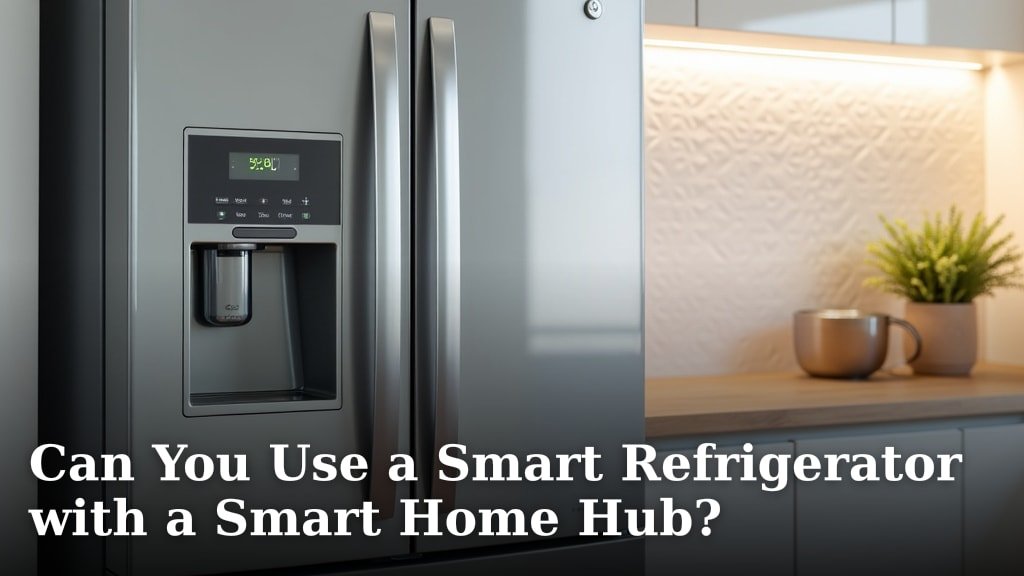
Yes, you absolutely can use a smart refrigerator with a smart home hub, but there are a few important things to know. Most modern smart refrigerators are designed to integrate into your existing smart home setup, making your kitchen even smarter.
We found that connecting your smart fridge to a central hub often unlocks extra features and simplifies control. It brings together all your smart gadgets, creating a more cohesive smart home experience. Think of it as the brain coordinating all your smart devices.
- Smart fridges can connect to smart home hubs.
- Direct integration is often possible.
- Compatibility depends on brands and protocols.
- A hub enhances control and automation.
- Not all smart fridges need a hub to function.
Let’s walk through exactly how this works and what you need to consider for a smooth setup.
Integrating Smart Refrigerators with Your Smart Home System
Yes, connecting your smart refrigerator to a central smart home hub is often possible and quite beneficial. This setup allows your fridge to communicate with other smart devices, creating a more harmonious and automated home environment for you.
Understanding How Smart Fridges Connect
Think of your smart home hub as the conductor of an orchestra. Each smart device, including your refrigerator, is an instrument. The hub helps them play together in harmony. But how do these instruments actually “talk” to each other?
Common Communication Protocols
Just like people speak different languages, smart devices use various communication protocols. We found that the most common ones for smart home integration include Wi-Fi, Bluetooth, Zigbee, and Z-Wave. Your smart fridge will likely use one of these to connect to your home network or directly to a hub.
- Wi-Fi: This is probably the most common way your smart fridge connects. It uses your existing home internet network. Most smart appliances support Wi-Fi, making setup often straightforward.
- Bluetooth: Some smart fridges might use Bluetooth for very short-range connections, perhaps to a nearby phone app for initial setup. It’s less common for continuous hub integration.
- Zigbee and Z-Wave: These are popular protocols specifically designed for smart home devices. They create a “mesh network,” meaning devices can relay signals to each other, extending the range. If your fridge supports these, it often means deeper hub integration.
Direct App Control vs. Hub Integration
Many smart fridges come with their own dedicated app. You can often control basic functions directly from your phone using this app, without a hub. So, why bother with a hub? A hub brings all your devices under one umbrella. Instead of opening five different apps for your lights, thermostat, and fridge, you use one hub app. We found this simplifies control and opens doors for advanced automation.
Benefits of Connecting Your Smart Fridge to a Hub
So, you’ve decided to link your smart fridge to your hub. What’s in it for you? We found several compelling reasons why this connection can enhance your daily life and make your kitchen work smarter.
Enhanced Control and Convenience
Imagine controlling your fridge’s temperature, checking its contents, or even getting alerts all from one central app. With a hub, you gain a single point of control for all your smart devices. This means less app juggling and a more streamlined experience for you.
Advanced Automation Possibilities
This is where a hub really shines. Once connected, your smart fridge can participate in “routines” or “scenes.” For example, we found that you could set up a routine where your kitchen lights turn on when the fridge door has been open for too long. Or, perhaps, your smart speaker announces when the ice maker is full. The possibilities are quite creative.
Many experts say that automation can save you time and energy in the long run (Smart Home Technology Review).
Centralized Notifications and Alerts
Did you leave the fridge door ajar? Is the water filter nearly expired? With hub integration, these alerts can be pushed to your main smart home app, or even announced by your smart speakers. This provides a unified notification system that helps you stay on top of things, keeping your food fresh and your fridge running smoothly.
Choosing the Right Smart Home Hub for Your Fridge
Not all hubs are created equal, and not all smart fridges play nicely with every hub. It’s like finding the right puzzle piece. You want a snug fit. Here’s what we found you should look for.
Compatibility is Key
Before you buy a new smart fridge or a new hub, always check for compatibility. Does your desired fridge specifically list support for popular hubs like Samsung SmartThings, Amazon Alexa, or Google Home? We recommend looking at the product specifications or the manufacturer’s website. If it’s not explicitly stated, it might not work well, or at all.
Here’s a quick compatibility checklist you can use:
- Check the smart fridge’s product page for “Works with…” badges.
- Review the smart hub’s supported devices list.
- Look for user reviews or online forums discussing specific fridge and hub combinations.
- Contact the fridge manufacturer’s support if unsure.
- Ensure both devices support similar communication protocols (Wi-Fi, Zigbee, Z-Wave).
Popular Hub Options and Their Fridge Support
Most major smart home hubs have broad support for various devices. Here’s a brief overview of what we found to be common:
| Smart Home Hub | Typical Fridge Compatibility | Key Features for Fridge Integration |
|---|---|---|
| Samsung SmartThings | Excellent with Samsung smart fridges; good with others via Wi-Fi. | Advanced automation, wide device support, custom routines. |
| Amazon Alexa (Echo devices) | Good with many brands, especially those supporting Alexa skills. | Voice control, shopping list integration, basic alerts. |
| Google Home (Nest devices) | Good with many brands, especially those supporting Google Assistant. | Voice control, calendar integration, basic alerts. |
| Apple HomeKit | Limited, but growing. Requires HomeKit-specific fridges (rare). | Strong privacy, secure ecosystem, Siri voice control. |
We often find that hubs from the same brand as your smart fridge (e.g., Samsung fridge with SmartThings) offer the most seamless integration. They are simply built to work together.
Setting Up Your Smart Fridge with a Hub
You’ve got your fridge, you’ve got your hub. Now, let’s get them talking. The setup process is usually straightforward, but it can vary slightly depending on your specific devices.
General Steps for Connection
Think of this as pairing two friends who speak different dialects of the same language. You introduce them, and they figure out how to communicate.
- Prepare Your Fridge: Make sure your smart fridge is powered on and connected to your home Wi-Fi network. Follow the fridge manufacturer’s instructions for initial network setup.
- Open Your Hub App: Launch the app for your smart home hub (e.g., SmartThings, Alexa, Google Home).
- Add a New Device: Look for an “Add Device” or “Plus” icon within the app.
- Search for Your Fridge: The app might automatically detect your fridge, or you may need to manually select its brand and model from a list.
- Follow On-Screen Prompts: The app will guide you through the remaining steps, which might involve confirming a code on your fridge screen or pressing a button on the appliance.
- Test the Connection: Once connected, try controlling a basic function, like changing the temperature, through your hub app. Did it work? Great!
Troubleshooting Common Connection Issues
Sometimes, things don’t go as smoothly as planned. Don’t worry, it happens to the best of us. We found that most connection problems stem from a few common areas.
- Wi-Fi Issues: Is your Wi-Fi signal strong enough in the kitchen? Is your router working correctly? A weak signal is often the culprit.
- App Version: Make sure both your fridge’s app (if applicable) and your hub’s app are updated to the latest version.
- Firmware Updates: Sometimes, the fridge itself needs a firmware update to enable full smart features. Check the fridge’s settings or companion app.
- Brand Compatibility: Double-check that your fridge is indeed listed as compatible with your specific hub. A quick search online can confirm this.
- Restart Devices: The classic IT solution: try restarting your router, your smart hub, and your smart fridge. Sometimes, a fresh start is all they need.
If you’re still having trouble, we recommend checking the support pages for both your fridge manufacturer and your smart home hub. They often have specific troubleshooting guides for common issues.
Limitations and Things to Consider
While the idea of a fully integrated smart kitchen is exciting, it’s important to set realistic expectations. Smart technology is constantly evolving, and there are a few things you should keep in mind.
Not All Features May Be Available Through the Hub
You might find that some advanced features of your smart fridge are only accessible through its dedicated manufacturer app. For example, viewing internal fridge cameras or managing detailed food inventory might require the original app, not your central hub. A hub primarily offers convenience and basic control, not necessarily every single granular feature.
Security and Privacy Concerns
Connecting any smart device to your network raises questions about security and privacy. Make sure your home network is secure with a strong password. We found that most reputable brands prioritize security, but it’s always wise to use unique passwords for your smart devices and keep their software updated (National Institute of Standards and Technology).
Future Compatibility and Updates
Technology moves fast. A smart fridge that’s compatible with a hub today might have reduced functionality with a future hub update, or vice versa. This isn’t common, but it’s a possibility. Choosing well-established brands and hubs can help mitigate this risk, as they often provide longer-term support and updates.