
Can You Use a Smart Refrigerator without Internet Access?
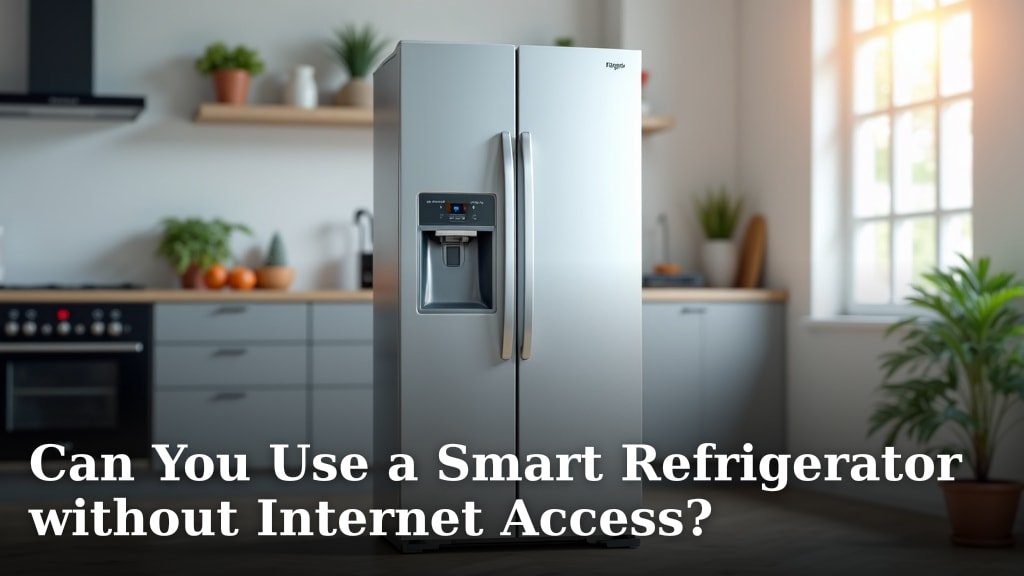
Yes, you can absolutely use a smart refrigerator without internet access. While many features rely on Wi-Fi, your smart fridge will still function as a regular, perfectly good refrigerator even when disconnected.
Most core refrigeration functions, like keeping your food cold and making ice, operate independently. We found that the main difference you’ll notice is the loss of smart features, which require a network connection to work their magic.
- Core fridge functions work without Wi-Fi.
- Smart features need an internet connection.
- You won’t get app notifications or remote control.
- Internal screens might have limited use.
- It’s still a functional appliance offline.
Let’s walk through exactly what you can expect when your smart refrigerator isn’t connected to the internet.
Operating Your Smart Refrigerator Offline
You can absolutely use your smart refrigerator without an internet connection. It will still function as a perfectly good, traditional refrigerator, keeping your food cold and fresh. The main difference you’ll experience is the absence of its “smart” features.
What Works Without Wi-Fi?
Even without an internet connection, your smart refrigerator performs its primary job flawlessly. Think of it as a highly efficient, modern version of your grandmother’s fridge. All the core functions are local and don’t need the cloud.
Basic Refrigeration and Freezing
Your fridge’s most important task is to keep things cold, right? We found that the cooling system—the compressor, condenser, evaporator, and refrigerant—operates completely independently of any internet connection. It’s a closed-loop system designed for one purpose: preserving your food.
This means your milk stays cold, your ice cream stays frozen, and your leftovers are kept safe. You won’t notice any difference in how well your food is chilled or frozen. The internal thermometers and cooling mechanisms are built into the appliance itself, not dependent on an external network.
Ice Makers and Water Dispensers
Good news! Your ice maker will continue to churn out cubes, and your water dispenser will still pour refreshing drinks. These systems are also self-contained within the appliance. They rely on your home’s water supply and the fridge’s internal cooling, not your Wi-Fi signal.
You can still get filtered water and plenty of ice for your beverages. The basic mechanics are physical, not digital, in this regard. So, don’t worry about warm drinks if your internet goes out.
Internal Lighting and Door Alarms
Opening the door will still trigger the internal light, helping you find that elusive jar of pickles. And if you leave the door ajar, the alarm will still chime to alert you. These are standard safety and convenience features that operate on local sensors and circuits.
They’re designed to function without any network intervention. Your fridge’s internal awareness of its door status and lighting needs is self-sufficient. It’s like your car’s dome light; it just works.
What Features Stop Working Offline?
Here’s where you’ll notice the change. The “smart” part of your smart fridge is largely dependent on its connection to the outside world. When that link is broken, these features go dormant.
Remote Monitoring and Control
One of the biggest advantages of a smart fridge is controlling it from afar. Without Wi-Fi, you won’t be able to use your smartphone app to check the internal temperature, adjust settings, or receive notifications if the door is left open. That convenience factor is tied directly to network access.
You also can’t pre-set your ice maker for a party or get alerts about a power outage. The fridge can’t “talk” to your phone without that internet bridge. It’s like trying to make a phone call with no cell signal.
Smart Hub/Display Functionality
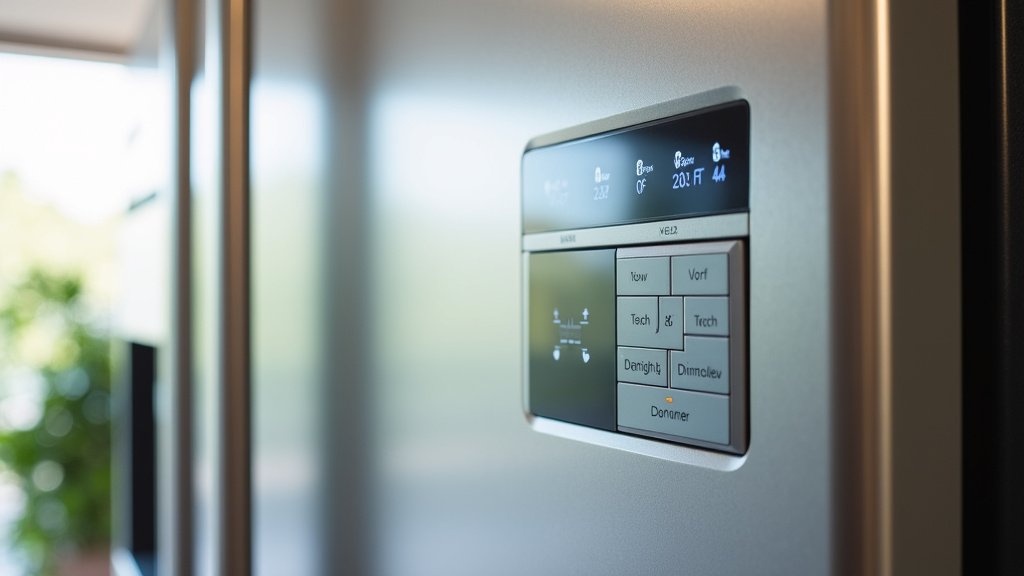
Many smart fridges come with large touchscreens on the door. When offline, we found that the utility of these screens becomes very limited. They often act as a central hub for many smart functions.
- Calendars and Notes: Any synced family calendars, shared shopping lists, or digital notes won’t update or be accessible.
- Recipe Browsing: Forget about searching for new recipes online or watching cooking videos.
- Music Streaming: Your favorite tunes won’t play from Spotify or Pandora.
- Weather Updates: The screen won’t show you the current forecast.
- Internal Camera Views: If your fridge has internal cameras to see what’s inside, these images likely won’t be accessible remotely or even on the screen itself without a connection to process and display them.
The screen might still show basic settings or a static image, but its interactive, internet-dependent features will be unavailable. It essentially becomes a very fancy, inert display panel.
Automatic Shopping Lists and Food Management
Some advanced smart fridges claim to help you manage your groceries, even suggesting items for your shopping list based on what’s inside. This kind of feature relies on image recognition and cloud-based processing. Without an internet connection, it simply won’t work.
The fridge can’t scan items or send data to an external server to build a list. You’re back to good old-fashioned pen and paper, or memory, for your grocery needs. It’s a clear example of a feature that needs to “talk” to the internet to be useful.
Comparing Online vs. Offline Smart Fridge Experience
To help you visualize the difference, let’s look at a quick comparison. Think of it like comparing a basic phone to a smartphone with no data plan. Both make calls, but one does a whole lot more with a connection.
| Feature Category | With Internet Connection | Without Internet Connection |
|---|---|---|
| Cooling & Freezing | Fully functional, often monitorable via app. | Fully functional, keeps food cold. |
| Ice & Water Dispenser | Fully functional, some models allow remote settings. | Fully functional. |
| Internal Lights & Alarms | Fully functional, alarms may send app notifications. | Fully functional. |
| Remote Control/Monitoring | Full access via app (temperature, alerts, settings). | Not available. |
| Interactive Screen (e.g., recipes, music, calendar) | Full functionality, real-time updates. | Limited or no functionality; may show static info. |
| Smart Food Management (e.g., shopping lists) | Full functionality, often cloud-synced. | Not available. |
| Software Updates | Automatic or manual updates via Wi-Fi. | No updates possible. |
When Does a Smart Refrigerator Need the Internet Most?
While your fridge works without Wi-Fi, there are specific times when being connected is definitely a plus. These moments highlight why people invest in smart appliances in the first place.
Initial Setup and Software Updates
When you first get your smart fridge, you’ll want to connect it to your Wi-Fi. This is often necessary for the initial setup, especially to sync it with companion apps and activate all its smart features. We found that most smart appliances rely on an internet connection to download the latest firmware and software updates (PCMag).
Updates often include bug fixes, security enhancements, and new features. Without Wi-Fi, your fridge’s “brain” won’t get smarter or more secure over time. It’s like having a smartphone but never updating its operating system.
Diagnostic and Service Needs
Some smart fridges can run self-diagnostics and even send error codes directly to customer service. This can be a huge convenience if something goes wrong. We found that this remote diagnostic capability is entirely dependent on an internet connection.
Without it, you’re back to traditional troubleshooting: checking the manual, calling support, and describing the issue over the phone. The fridge can’t report its own ailments if it has no way to communicate. It’s a bit like a car that can tell the mechanic what’s wrong, but only if it has its data plan active.
Deciding If Offline Use Is Right For You
So, you’ve seen what works and what doesn’t. Now, consider your own needs. Is using your smart fridge offline a good fit for your home? It really comes down to your priorities and tech comfort level.
Benefits of Keeping It Disconnected
Believe it or not, there are some perks to not having your smart fridge constantly connected. It’s not always about having the latest tech working all the time.
- Enhanced Privacy: Without an internet connection, your fridge isn’t sending data back to manufacturers or third parties. This can be a big plus for those concerned about data privacy and smart home security.
- Reduced Digital Distractions: The large screen won’t be a source of notifications or endless recipe browsing, keeping your kitchen a more focused, culinary space.
- Simplicity: You get all the benefits of a modern, efficient refrigerator without the complexities of managing another connected device on your home network.
- No Wi-Fi Hassles: You avoid potential connectivity issues, password changes, or network troubleshooting specific to the appliance.
For many, the core function of refrigeration is paramount. If you’ve invested in a smart fridge but aren’t keen on all the bells and whistles, using it offline streamlines its purpose.
Checklist: What to Consider for Offline Use
Before you commit to keeping your smart fridge offline, ask yourself these questions:
- Do you primarily value efficient cooling and storage?
- Are you concerned about data privacy with connected appliances?
- Do you prefer to avoid the distractions of a screen in the kitchen?
- Are you comfortable with manual grocery list management?
- Do you have a reliable traditional method for weather/news?
- Is hands-on troubleshooting okay for you if issues arise?
If you answered “yes” to most of these, then using your smart refrigerator primarily as a high-tech, traditional appliance will likely be a satisfying experience for you. You get the quality cooling without the connected overhead.
Conclusion
You now know that your smart refrigerator is incredibly versatile. It functions perfectly well as a traditional appliance, even without an internet connection. While you’ll miss out on the connected conveniences, its core job of keeping food fresh remains unaffected. We found that the decision to connect or disconnect really depends on your personal priorities.
Consider what features truly enhance your daily life. Then, configure your smart fridge to best suit your preferences. Whether online or off, you still have a powerful cooling machine in your kitchen.
Frequently Asked Questions
Will my smart refrigerator still save energy if it’s not connected to Wi-Fi?
Yes, your smart refrigerator’s energy efficiency primarily comes from its modern design and insulation. These functions operate independently of internet connectivity. Smart features like energy monitoring or optimized defrost cycles might not work, but the fundamental energy-saving hardware will.
Can I connect my smart fridge to Wi-Fi later if I decide to use its smart features?
Absolutely! You can connect your smart refrigerator to your home’s Wi-Fi network at any time. We found that the process typically involves accessing settings on the fridge’s display or through its companion mobile app once you’re ready to activate the smart functions.
Does keeping my smart fridge offline improve its lifespan?
Not directly, no. Your smart fridge’s mechanical lifespan is more dependent on factors like component quality and usage. However, by avoiding constant software updates and internet communication, you might reduce potential software glitches or security vulnerabilities that could impact its performance over time.
Will my smart fridge’s internal screen work at all without internet?
The internal screen will likely retain some very basic functionality. It might show static images, basic settings like temperature, or a clock. However, any features requiring data from the internet, like calendars, streaming apps, or web browsing, will not work when disconnected.
Is it possible to use specific smart features without connecting to the broader internet, perhaps just on my local home network?
Generally, no. Most smart refrigerator features are designed to communicate with cloud-based servers for full functionality. While some very basic local controls might exist, features like remote monitoring, app integration, or external content streaming require an active internet connection to the manufacturer’s services.