How to Update Software on Frigidaire Refrigerator?
On this page (6 sections)
To update software on your Frigidaire refrigerator, you will typically need to connect it to your home’s Wi-Fi network and allow it to download updates automatically. Most Frigidaire smart refrigerators handle software updates in the background, ensuring your appliance always has the latest features and fixes without much effort from you.
Your smart refrigerator, like many modern appliances, often benefits from occasional software refreshes. These updates can improve performance, fix bugs, or even add new functionalities that make your kitchen life easier. Think of it as giving your fridge a little tune-up, keeping it running smoothly and efficiently.
- Your Frigidaire refrigerator usually updates its software automatically.
- Ensure your fridge is connected to your home Wi-Fi for updates.
- Updates can improve performance, fix bugs, and add new features.
- Manual updates are rarely needed for most models.
We’ll walk you through how to check your refrigerator’s connection and what to do if you suspect an update isn’t happening as it should. Let’s make sure your Frigidaire is always at its best!
Ensuring Your Frigidaire Refrigerator Stays Updated
Most Frigidaire smart refrigerators are designed to update themselves automatically. This usually happens in the background, without you needing to do anything special.
Your main role is simply to make sure your refrigerator is connected to your home Wi-Fi network. Without this connection, it can’t download the latest software from Frigidaire.
Verifying Your Refrigerator’s Wi-Fi Connection
A strong Wi-Fi connection is key for automatic updates. How do you check if your fridge is connected?
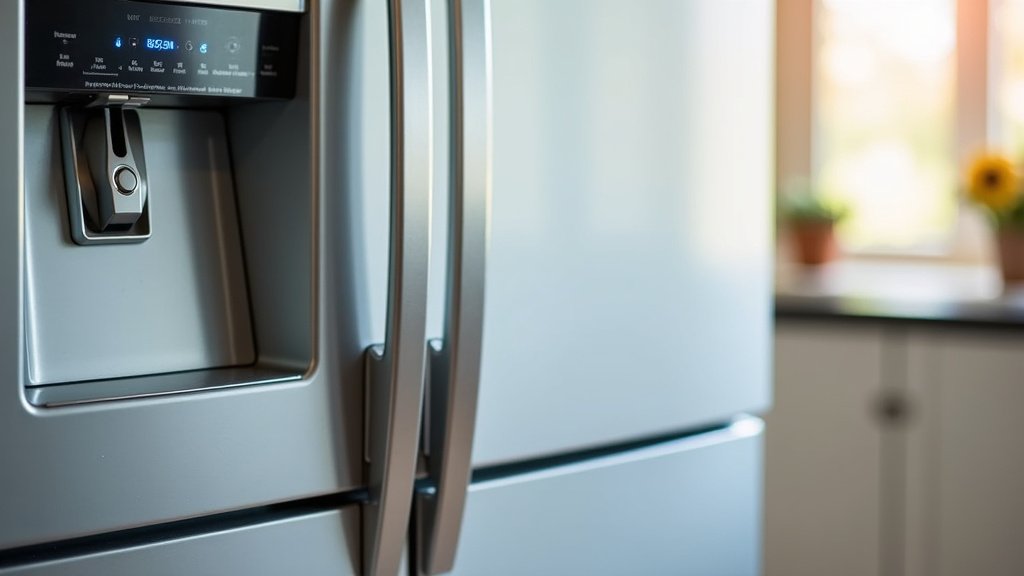
Start by looking at your refrigerator’s control panel. Many smart Frigidaire models have a Wi-Fi indicator light or icon. If it’s lit up or shows a strong signal, you’re likely connected.
Checking Connection Status on the Control Panel
On most models, you’ll find the Wi-Fi icon near the temperature display or other settings. It might look like a small antenna or a series of curved lines. If it’s dim, blinking, or off, your fridge might not be connected.
Consult your owner’s manual for the exact location and meaning of your model’s Wi-Fi indicator. This is always the most accurate source of information for your specific appliance.
Troubleshooting Wi-Fi Connection Issues
What if your Frigidaire isn’t connected to Wi-Fi? Don’t worry, there are a few common steps you can take to fix it. These steps often resolve most connection problems quickly.
- Restart Your Router: Unplug your home Wi-Fi router for 30 seconds, then plug it back in. This simple step can often fix many network glitches.
- Check Router Proximity: Is your refrigerator too far from your Wi-Fi router? Walls and other appliances can block the signal. Try moving your router closer, if possible, or consider a Wi-Fi extender.
- Reconnect Your Refrigerator: Many models allow you to reset and reconnect to Wi-Fi through the control panel settings. Look for options like “Network Settings” or “Connect to Wi-Fi.”
- Verify Your Wi-Fi Password: If you’re manually re-entering your network details, double-check that you have the correct password. It’s easy to make a typo!
- Check for Network Interference: Other wireless devices can sometimes interfere with your Wi-Fi signal. Try temporarily unplugging other devices that use Wi-Fi to see if it improves the connection.
If you’re still having trouble, the Frigidaire support website often has specific troubleshooting guides for Wi-Fi connection issues tailored to different refrigerator models. We recommend checking there for detailed instructions.
Understanding the Automatic Update Process
Once your Frigidaire refrigerator is connected to Wi-Fi, it will typically manage its own software updates. This is designed for your convenience, ensuring your appliance always has the best possible performance.
Updates usually occur when the refrigerator is not in heavy use, often overnight. You might not even notice them happening! This prevents any disruption to your daily routine.
What Happens During a Software Update?
During an update, your refrigerator downloads new software files. These files contain improvements, bug fixes, and sometimes even new features. Once downloaded, the fridge installs them.
The refrigerator might briefly restart or show an “updating” message on its display. This is normal behavior. Avoid unplugging the refrigerator during this time, as it could interrupt the update process and cause issues.
How Often Do Frigidaire Refrigerators Update?
The frequency of updates can vary. It depends on when Frigidaire releases new software. It’s not a daily or weekly event, but rather as needed. Think of it like updates for your smartphone – they happen periodically, not constantly.
We found that many smart appliance manufacturers, including Frigidaire, focus on pushing updates when there are significant bug fixes, security enhancements, or new functionalities to introduce (Consumer Reports).
Benefits of Keeping Your Refrigerator Software Updated
Staying up-to-date brings several advantages. It’s not just about fixing problems; it’s about improving your refrigerator’s overall experience.
Here are some key benefits:
| Benefit | Description |
|---|---|
| Improved Performance | Updates can optimize cooling cycles, energy efficiency, and overall operation, potentially saving you money on utility bills. |
| Bug Fixes | Software updates often resolve glitches or minor issues that might have been present in previous versions, making your fridge run smoother. |
| Enhanced Security | Like any smart device, refrigerators can be vulnerable to security threats. Updates help patch these vulnerabilities, keeping your home network safe. |
| New Features | Sometimes, Frigidaire releases updates that add exciting new functionalities, like improved voice control integration or smarter food management tools. |
| Longevity | Keeping the software current can help your appliance perform optimally for a longer lifespan, much like regularly maintaining a car. |
When to Consider a Manual Update (If Applicable)
For most Frigidaire smart refrigerators, manual updates are rarely necessary. The automatic process handles everything efficiently. However, there might be rare cases where you’d consider it.
This typically only happens if you’ve been advised by Frigidaire customer support to perform a specific update, or if your automatic updates have consistently failed despite troubleshooting.
Understanding Manual Update Procedures
If a manual update is required, it usually involves downloading a software file to a USB drive and then plugging that drive into a designated port on your refrigerator. This process is highly model-specific.
Frigidaire provides detailed instructions for manual updates only when they are needed for specific models or issues. You won’t find a generic “manual update” option on most fridges.
Checking for a USB Port on Your Refrigerator
Not all smart refrigerators have a USB port for manual updates. If yours does, it’s usually located on the control panel, inside the refrigerator compartment, or sometimes behind a service panel.
Again, your owner’s manual is your best friend here. It will confirm if your model has a USB port and, if so, where it’s located and how it should be used for software updates.
Contacting Frigidaire Customer Support
If you suspect your refrigerator isn’t updating correctly, or if you’re experiencing issues that might be software-related, contacting Frigidaire customer support is a smart move.
They can help you diagnose problems, confirm if an update is pending for your model, and guide you through any necessary steps. Have your model number handy when you call; it helps them help you faster.
Keeping Your Smart Refrigerator Running Smoothly
Beyond software updates, a few best practices can help your Frigidaire smart refrigerator operate at its best. These are simple habits that contribute to long-term performance and efficiency.
Think of it as giving your appliance the care it deserves. A well-maintained smart appliance will serve you better for years to come.
Regular Maintenance Tips
Here’s a quick checklist to keep your smart fridge in top shape:
- Clean Condenser Coils: Dust and debris on coils reduce efficiency. Clean them every 6-12 months.
- Check Door Seals: Ensure seals are tight and free of cracks to prevent cold air leaks.
- Monitor Temperatures: Use an appliance thermometer to verify your fridge and freezer are at optimal settings (FDA recommends 40°F for fridge, 0°F for freezer).
- Replace Water Filters: Change your water filter regularly, as recommended by Frigidaire, for clean ice and water.
- Avoid Overfilling: An overstuffed fridge can block air circulation and reduce cooling efficiency.
- Keep Software Updated: As we’ve discussed, ensure your fridge is connected to Wi-Fi to receive automatic updates.
These simple steps, combined with ensuring your software is current, will help you enjoy all the benefits your Frigidaire smart refrigerator has to offer.
Conclusion
Keeping your Frigidaire refrigerator’s software updated is a simple yet effective way to ensure it runs its best. By making sure your fridge is consistently connected to your home Wi-Fi, you allow it to automatically receive the latest improvements and features.
This proactive approach helps maintain optimal performance, energy efficiency, and even enhances security. Don’t underestimate the benefits of a well-connected smart appliance. If you ever encounter issues, remember that your owner’s manual and Frigidaire customer support are always there to help.
Take a moment to verify your refrigerator’s Wi-Fi connection today and enjoy the peace of mind that comes with an always-updated appliance.
Frequently Asked Questions
How can I tell if my Frigidaire refrigerator has smart features?
You can usually tell if your Frigidaire refrigerator has smart features by checking its control panel for a Wi-Fi symbol or a “Connect” option. Also, refer to your appliance’s owner’s manual or the product listing, which will clearly state if it’s a “smart” or “connected” model.
Can I force a software update on my Frigidaire refrigerator?
Generally, you cannot manually force a software update on most Frigidaire smart refrigerators. They are designed to update automatically in the background when connected to Wi-Fi. If you suspect an issue, ensure a stable Wi-Fi connection or contact Frigidaire support for guidance.
What if my Frigidaire refrigerator loses Wi-Fi connection during an update?
If your Frigidaire refrigerator loses Wi-Fi during an update, it typically pauses the process and attempts to resume once the connection is restored. Avoid unplugging the unit during an update. If problems persist, consult your manual or Frigidaire customer service.
Do software updates use a lot of my home internet data?
No, software updates for your Frigidaire refrigerator typically do not use a significant amount of your home internet data. These updates are usually small, focused files designed to improve performance or add minor features, similar to updates for other smart home devices.
Will updating my refrigerator software void its warranty?
No, keeping your Frigidaire refrigerator’s software updated will not void its warranty. In fact, manufacturers often recommend keeping software current to ensure optimal performance and security. Only unauthorized modifications or manual interventions outside of manufacturer guidelines could potentially affect your warranty.