What Is the Best Temperature Setting for a Smart Refrigerator?
On this page (3 sections)
The best temperature setting for a smart refrigerator is 37°F (3°C) for the fresh food section and 0°F (-18°C) for the freezer. These settings help your food stay fresh longer and stop bacteria from growing.
Many smart refrigerators allow you to monitor and adjust temperatures remotely using an app. This means you can keep an eye on your food’s safety even when you’re not home. Setting the right temperature not only preserves your groceries but also saves energy.
- Set fridge to 37°F (3°C).
- Set freezer to 0°F (-18°C).
- Check settings with your fridge app.
- Save money on your electric bill.
- Keep food safe from spoilage.
Ready to get the most out of your smart fridge? Let’s dive into all the details of keeping your food perfectly chilled.
Optimal Temperature Settings for Your Smart Refrigerator
Setting the correct temperature in your smart refrigerator is key to food safety and freshness. We found that the ideal temperature for your fresh food section is 37°F (3°C). For the freezer, 0°F (-18°C) is best.
These temperatures help to slow down bacterial growth and keep your food safe to eat. They also prevent spoilage, which means less waste and more savings for you. Let’s look closer at why these numbers are so important.
Understanding the “Danger Zone”
You’ve probably heard of the food “danger zone.” What exactly is it? It’s the temperature range where bacteria can multiply rapidly. This zone is typically between 40°F (4°C) and 140°F (60°C) (USDA).
Keeping your refrigerator below 40°F is crucial. If food stays in the danger zone for too long, it can become unsafe. Even if it looks and smells fine, harmful bacteria might be present.
Your smart fridge acts as a protector, keeping your perishables out of this risky range. It’s like a bodyguard for your groceries!
Why 37°F for the Refrigerator?
While the USDA recommends below 40°F, many experts suggest a slightly lower setting. We found that 37°F (3°C) offers a good balance. It keeps your food cold enough to deter bacteria without freezing items that shouldn’t be frozen.
This temperature also helps your fridge run more efficiently. It doesn’t have to work as hard as it would at 35°F, saving energy. Think of it as the “Goldilocks” temperature – just right!
The Freezer’s Role: 0°F is Optimal
For your freezer, 0°F (-18°C) is the gold standard. At this temperature, microbial activity almost completely stops. This means your frozen foods can be stored safely for much longer periods.
Freezing doesn’t kill all bacteria, but it makes them inactive. Once thawed, bacteria can become active again. So, proper thawing is also important, but that’s a topic for another day!
How Smart Features Help Maintain Ideal Temperatures
Smart refrigerators aren’t just fancy gadgets. They offer real benefits when it comes to temperature control. Many models come with sensors and connectivity features that traditional fridges don’t have.
Imagine being at work and wondering if you closed the fridge door properly. With a smart fridge, you can simply check your phone. How cool is that?
Remote Monitoring and Alerts
One of the biggest advantages is the ability to monitor temperatures remotely. Your smart fridge app lets you see the exact temperature in each section, anytime, anywhere. This gives you peace of mind.
Even better, many smart fridges send alerts. If the temperature rises too high due to a power outage or an open door, you’ll get a notification. This allows you to act quickly, potentially saving your groceries from spoiling.
Think of these alerts as your fridge sending you a quick text message saying, “Hey, I need your attention!”
Precise Temperature Control
Smart refrigerators often have more precise temperature controls than older models. You can often adjust settings in one-degree increments. This fine-tuning helps you hit that sweet spot of 37°F with ease.
Some models even feature different temperature zones. You might have a special drawer for deli meats or produce that can be set to its own optimal temperature. It’s like having multiple mini-fridges inside one!
Setting Up Your Smart Refrigerator for Success
Now that you know the ideal temperatures, let’s make sure your smart fridge is set up correctly. It’s usually a straightforward process, but a few tips can help.
We found that a little initial setup can prevent a lot of headaches later. Getting it right from the start means better food preservation and less energy waste.
Using Your Fridge’s Control Panel
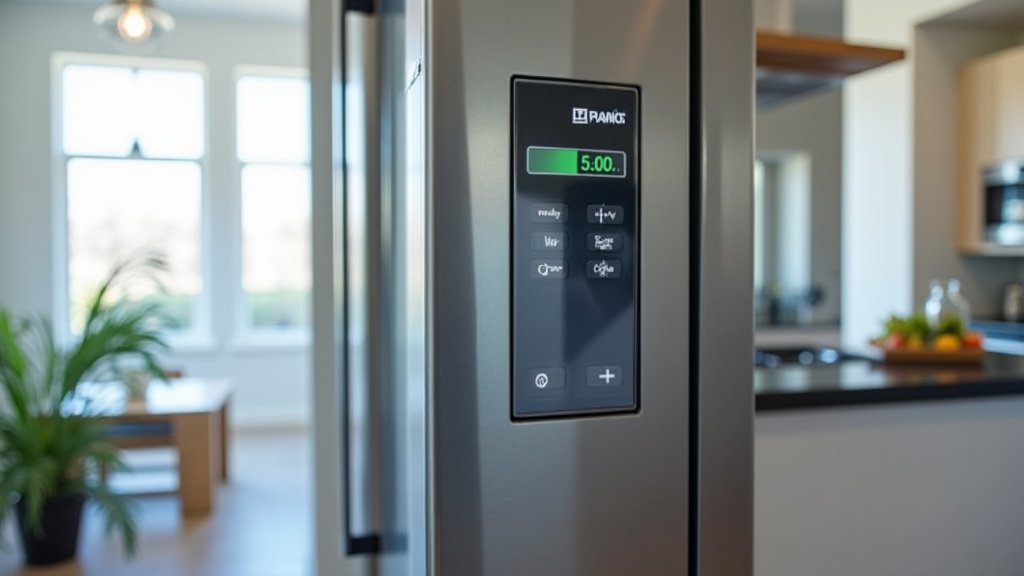
Most smart refrigerators have a digital control panel, either inside the fridge or on the door. This is where you’ll make initial adjustments. Look for buttons or a touchscreen labeled “Fridge Temp” and “Freezer Temp.”
Press or tap these to cycle through the temperature options. Set them to 37°F and 0°F respectively. Some fridges might display temperatures in Celsius, so know the conversion: 3°C for the fridge and -18°C for the freezer.
Leveraging Your Smart Fridge App
Once you’ve made manual adjustments, connect your fridge to its companion app. This usually involves downloading the app, creating an account, and following on-screen instructions to pair your appliance. It’s often as easy as connecting a new speaker to your phone.
Within the app, you should find a section for temperature control. You can then fine-tune your settings, schedule “away” modes, or even receive diagnostic reports. The app puts control right in your hand.
Tips for Maintaining Consistent Temperatures
Setting the temperature is one thing; keeping it consistent is another. Here are some practical tips to help your smart fridge do its best work.
Even the smartest fridge needs a little help from you. These habits will ensure it runs smoothly and keeps your food perfectly chilled.
Don’t Overload Your Fridge
A packed fridge might seem efficient, but it can actually hinder airflow. When air can’t circulate properly, some areas might become warmer. Aim for a fridge that’s about 75-80% full.
Think of it like a busy highway. If there are too many cars, traffic slows down. Similarly, too much food slows down cold air movement.
Check Door Seals Regularly
The door seals (gaskets) are vital for keeping cold air in. Over time, these seals can wear out or become dirty. Check them periodically for cracks or gaps.
A simple test: close the fridge door on a dollar bill. If you can pull the bill out easily, the seal might need attention. A poor seal means your fridge has to work harder, using more energy.
Organize Your Food Smartly
Different areas of your fridge have slight temperature variations. We found that the back of the fridge is usually colder than the door. Place milk and raw meats towards the back. Use the door for condiments and less perishable items.
Crisper drawers are designed for fruits and vegetables, often with humidity controls. Learn how to use these to extend the life of your produce.
A Quick Checklist for Optimal Smart Fridge Performance
To summarize, here’s a quick checklist to ensure your smart refrigerator is running at its best:
- Set Refrigerator Temperature: Aim for 37°F (3°C).
- Set Freezer Temperature: Keep it at 0°F (-18°C).
- Connect to App: Download and link your smart fridge app for remote control.
- Monitor Alerts: Pay attention to any temperature alerts from your app.
- Check Door Seals: Ensure seals are tight and clean to prevent cold air leaks.
- Organize Contents: Don’t overpack and store food in appropriate zones.
Comparing Manual vs. Smart Temperature Adjustments
While traditional fridges require manual adjustments, smart fridges offer more dynamic options. Here’s a brief comparison:
| Feature | Traditional Refrigerator | Smart Refrigerator |
|---|---|---|
| Temperature Setting Method | Manual dial or buttons | Digital panel, app control |
| Remote Monitoring | No | Yes (via app) |
| Alerts for Temp Changes | No | Yes (app notifications) |
| Precision of Control | Limited increments | Often 1-degree increments |
| Energy Saving Modes | Basic vacation mode | Advanced “away” or energy-saving modes via app |
As you can see, smart features add a layer of convenience and control. They help you maintain those ideal temperatures more effectively, which translates to fresher food and potential energy savings.
You’re not just buying a fridge; you’re investing in a smarter way to manage your food and your home.
Conclusion
You now know that 37°F (3°C) for your fridge and 0°F (-18°C) for your freezer are the best settings. Your smart refrigerator helps you maintain these temperatures with ease. Remote monitoring and alerts give you peace of mind.
By following our tips, you ensure your food stays fresh and safe. You also save energy and money. Take a moment to check your smart fridge settings today. Your food (and your wallet) will thank you!
Frequently Asked Questions
Why is 37°F better than 35°F for my smart fridge?
While 35°F keeps food very cold, it makes your fridge work harder. This uses more energy and can sometimes freeze delicate items. We found 37°F offers a great balance for food safety and efficiency.
Can I adjust my smart fridge temperature from anywhere?
Yes, that’s a key benefit of smart refrigerators. Most models let you connect to an app on your smartphone. You can then monitor and adjust settings remotely, even when you’re away from home.
How often should I check my smart fridge’s temperature settings?
It’s a good idea to check your settings at least once a month. Also, check after a power outage or if you notice food spoiling too quickly. Your smart fridge app can also provide ongoing monitoring.
What if my smart fridge doesn’t have 1-degree increment adjustments?
Don’t worry if your fridge only adjusts in 2 or 5-degree increments. Set it to the closest possible temperature below 40°F (4°C). For example, 38°F (3°C) or 36°F (2°C) are good alternatives.
Does opening the fridge door frequently affect the temperature settings?
Yes, opening the door lets cold air escape and warm air in. Your smart fridge has to work harder to return to its set temperature. Try to limit how often and how long you open the doors.